
Consult
EF & EC-243prose procedureGA16DE engine page. SEF317K shows L.H.D. models; SEF048K shows R.H.D. models connector location.
CONSULT Inspection Procedure
- 1Turn off ignition switch.
- 2Connect "CONSULT" to diagnostic connector. (Diagnostic connector is located behind the fuse box cover.)
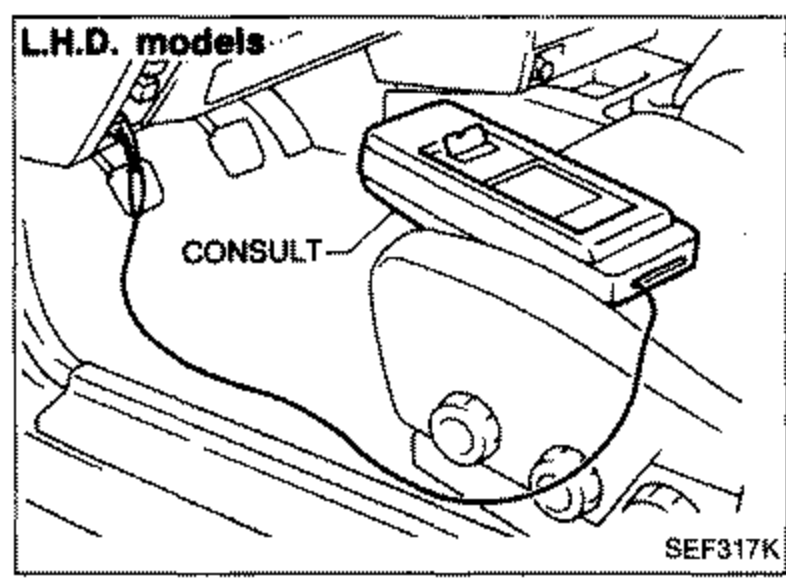 SEF317K
 - 3Turn on ignition switch.
- 4Touch "START".
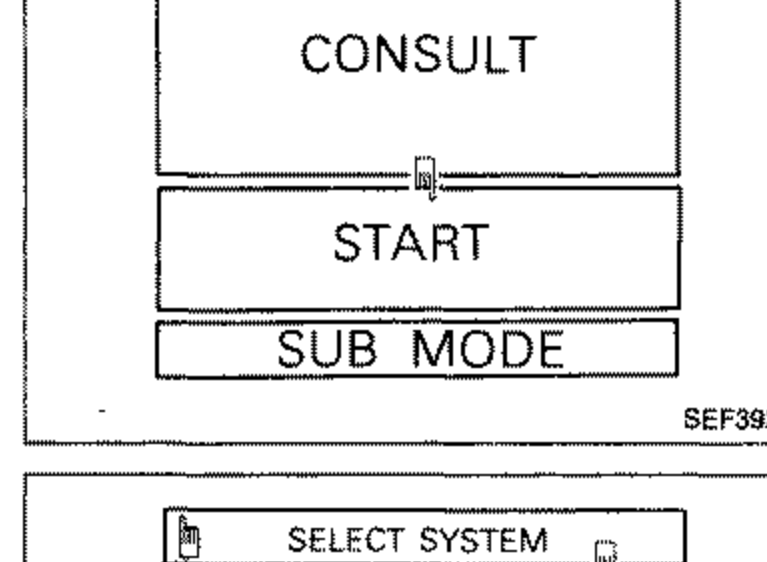 SEF392I
 - 5Touch "ENGINE".
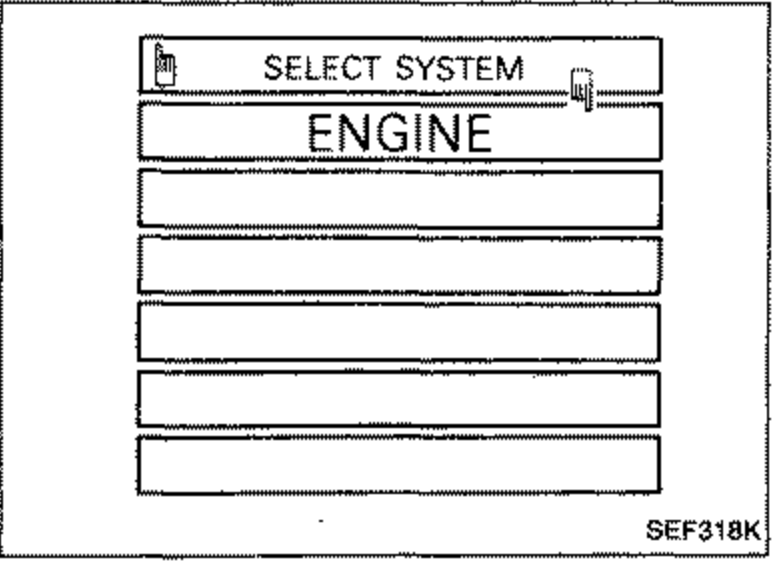 SEF318K
 - 6Perform each diagnostic mode according to the inspection sheet as follows: For further information, see the CONSULT Operation Manual.For further information, see the CONSULT Operation Manual.
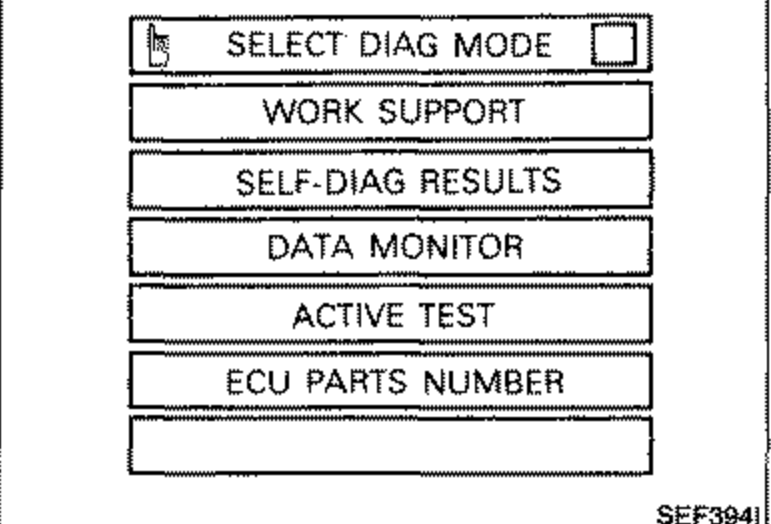 SEF394I
See also
CONSULT Operation Manual